SCADA · Supervisory Control & Data Acquisition
Many sites. One operational view.
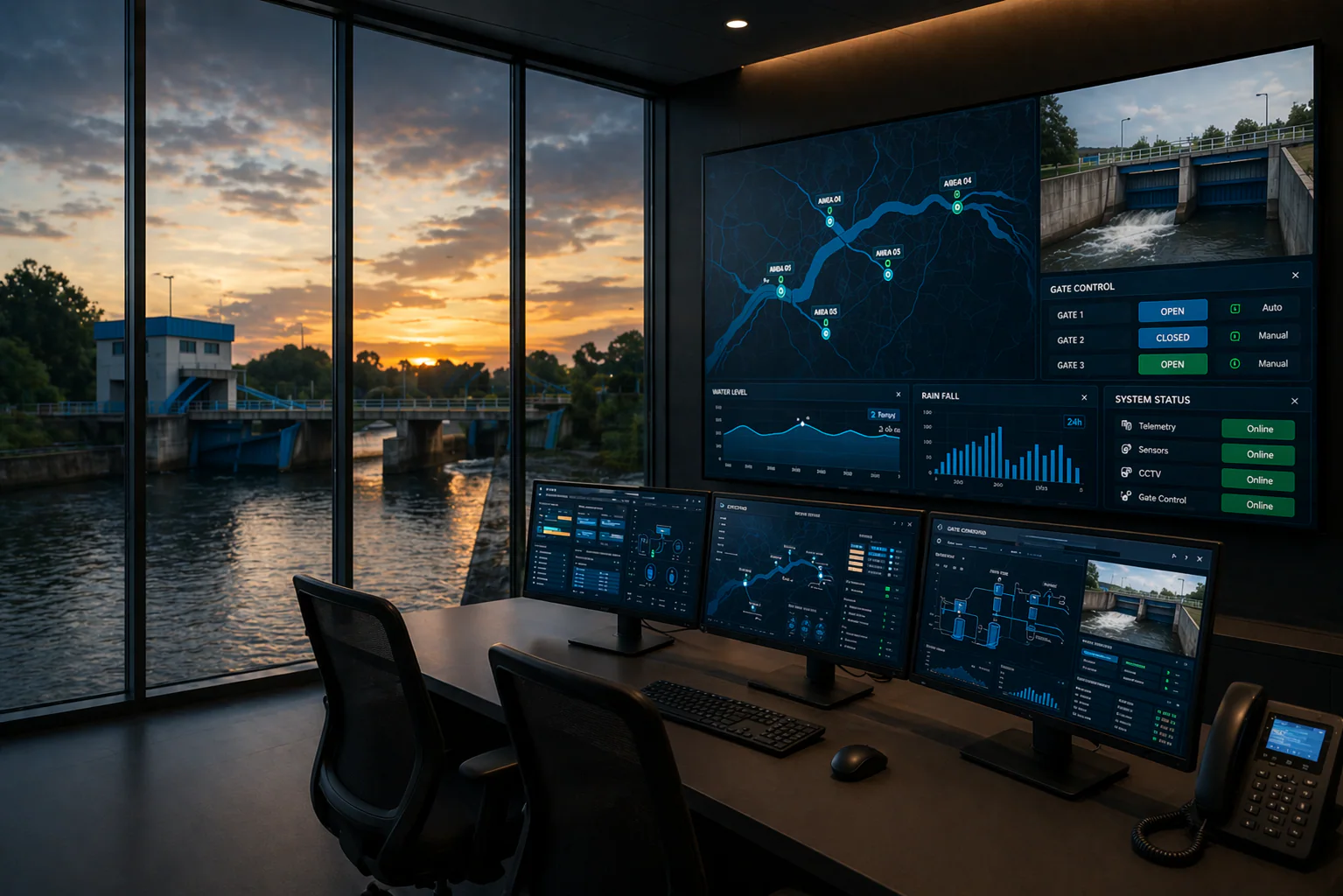
When readings sit in separate panels, seeing the whole process takes work. SCADA brings field data, equipment status and operator tools together for water facilities, pumping stations and industrial processes.
- Measurements and status
- Alarms and history
Daily operation
A clearer picture for the operator
See what is happening
Read levels, pressure, flow and equipment status together. Timestamps help operators distinguish current readings from old data.
Review what needs attention
Configured limits, event history and trends give the team context for checking unusual readings and alarms.
Act within agreed controls
Pump, valve and setpoint controls depend on the installed PLC logic, permissions and safety interlocks. Monitoring does not automatically enable remote control.
Start with the equipment already on site
The integration plan defines what can be monitored, what can be controlled and where the data will be stored.
Field connections
Each signal and control point is mapped before integration.
- 4–20 mA instruments and digital inputs/outputs
- PLC · VSD · Softstarter
Communication and hosting
Interfaces depend on the device, modules, network and site policy. Compatibility is reviewed first.
- RS485 · Modbus · HART
- Local server or online platform
Project scope
From site review to operational handover
Map the operation
Review processes, panels and operator needs. Agree the input/output list and control rules.
Build and connect
Prepare panels, PLC programs, screens, trends and communication settings within the agreed scope.
Test the functions
Check signals, alarms, controls and interlocks. Site acceptance records document the results.
Hand over to operators
Provide guidance, training and agreed documentation. Define follow-up support with the project.
How does SCADA fit your operation?
Water and process facilities
Intake, dosing, filtration, distribution and pumping can share an operating view when the field instruments and control equipment support the integration.
SCADA or digital workflows?
SCADA focuses on readings and equipment controls. For inspections, follow-up records and reporting across teams, explore industrial digitalization.
Explore digital workflowsMake an informed choice
What should operators see, and what may they control?
SCADA brings equipment readings and operating status into a shared view, with agreed control functions where required. Start with the pumps, valves, instruments and people involved. The important distinction is between observing a process and being authorised to change it.
Separate monitoring from control
A dashboard may be enough when the team only needs trends and alarms. SCADA becomes relevant when readings, equipment status and controlled actions must work together. Decide which actions remain local and which may be remote. Automatic control depends on the controller's program and tested safety rules; a new screen does not create those protections.
List every signal and existing connection
Provide the controller models, instrument outputs, communication methods and existing drawings. PLC means programmable logic controller, the device running the control logic. Compatibility depends on models, modules and access to programs, not just a matching connector. A site review should identify missing documentation and the work needed to keep operations running during integration.
Agree users, permissions and failure behaviour
Identify who may view, acknowledge alarms or issue commands. Discuss access protection, backups and what continues locally when the remote connection fails. Industrial network policies and permission to connect equipment must be respected. Ask how stale readings and failed commands appear to operators, and who verifies that the equipment actually followed a command.
Include testing and a usable handover
Ask the quotation to separate engineering, software licences, hardware, wiring, configuration and commissioning, meaning checking the installed system before use. Agree test cases, downtime windows, training and updated drawings. Include backup copies, recovery instructions and support boundaries. Future changes and recurring licence or server costs should be clear before selecting the system.
Questions before you buy
Is SCADA just a dashboard?
It can include process supervision and agreed controls. A dashboard-only scope does not automatically include control logic or equipment integration.
Will our existing PLC work with it?
Share the model, modules, program access and connection details. Compatibility requires an actual review.
Can anyone control equipment remotely?
No. Define permissions, approved commands and safety rules as part of the design.
What happens if the internet fails?
The local and remote behaviour must be designed and tested. Confirm which functions continue and how an outage is shown.
Will installation stop production?
Required interruptions depend on site work. Agree the work stages, approved downtime and fallback before installation.
What should we receive at handover?
Agree tested functions, documentation, backups, access details, training and support scope—not only a running screen.
Compare and explore
Examples and further reading
References for the explanation
These explain measurement or system principles. The equipment and service offered are confirmed in your quotation.
Bring your process into the conversation.
Share your process diagram, device list and current difficulties. Together we can define connections, operator screens and the scope of the work.